# Administration Panel
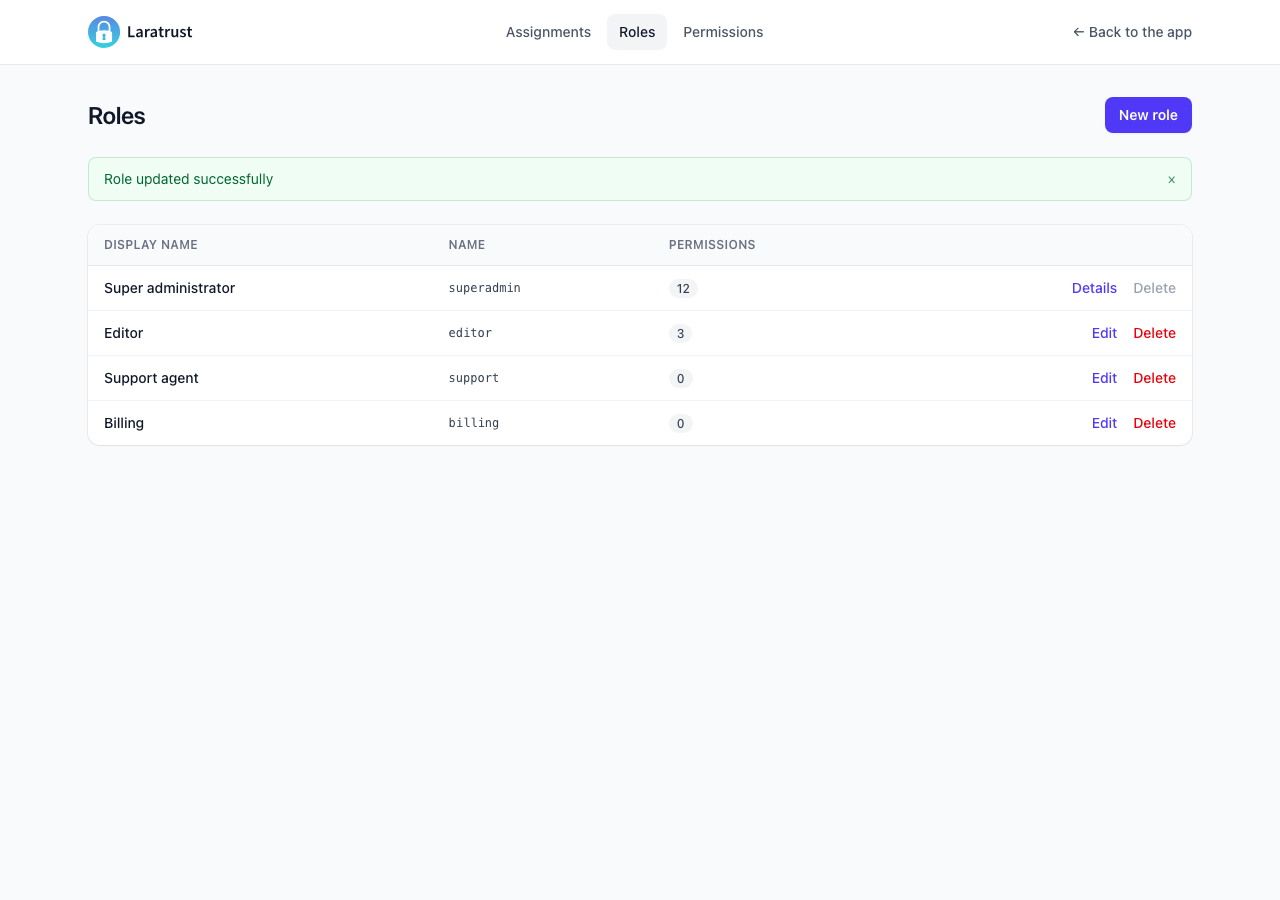
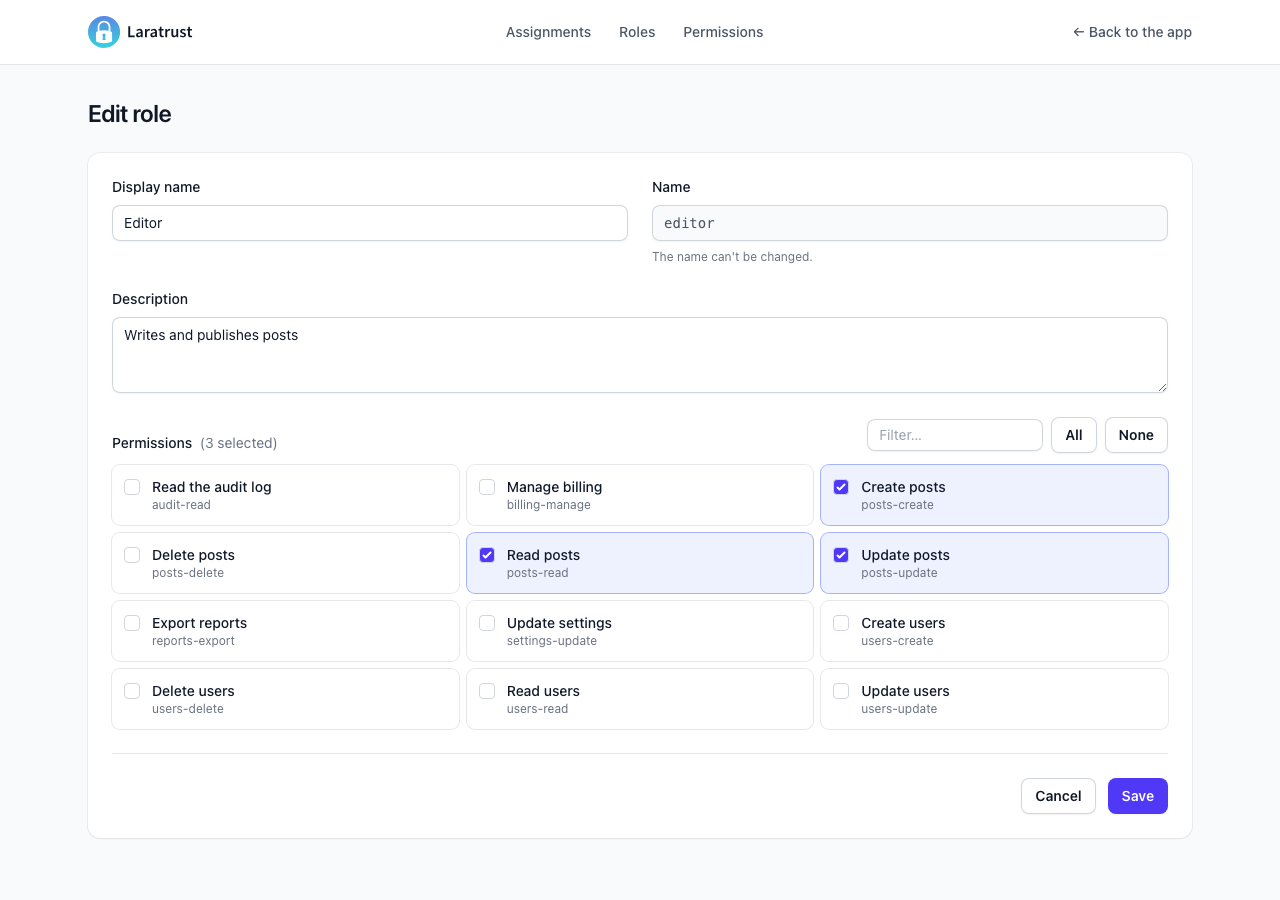
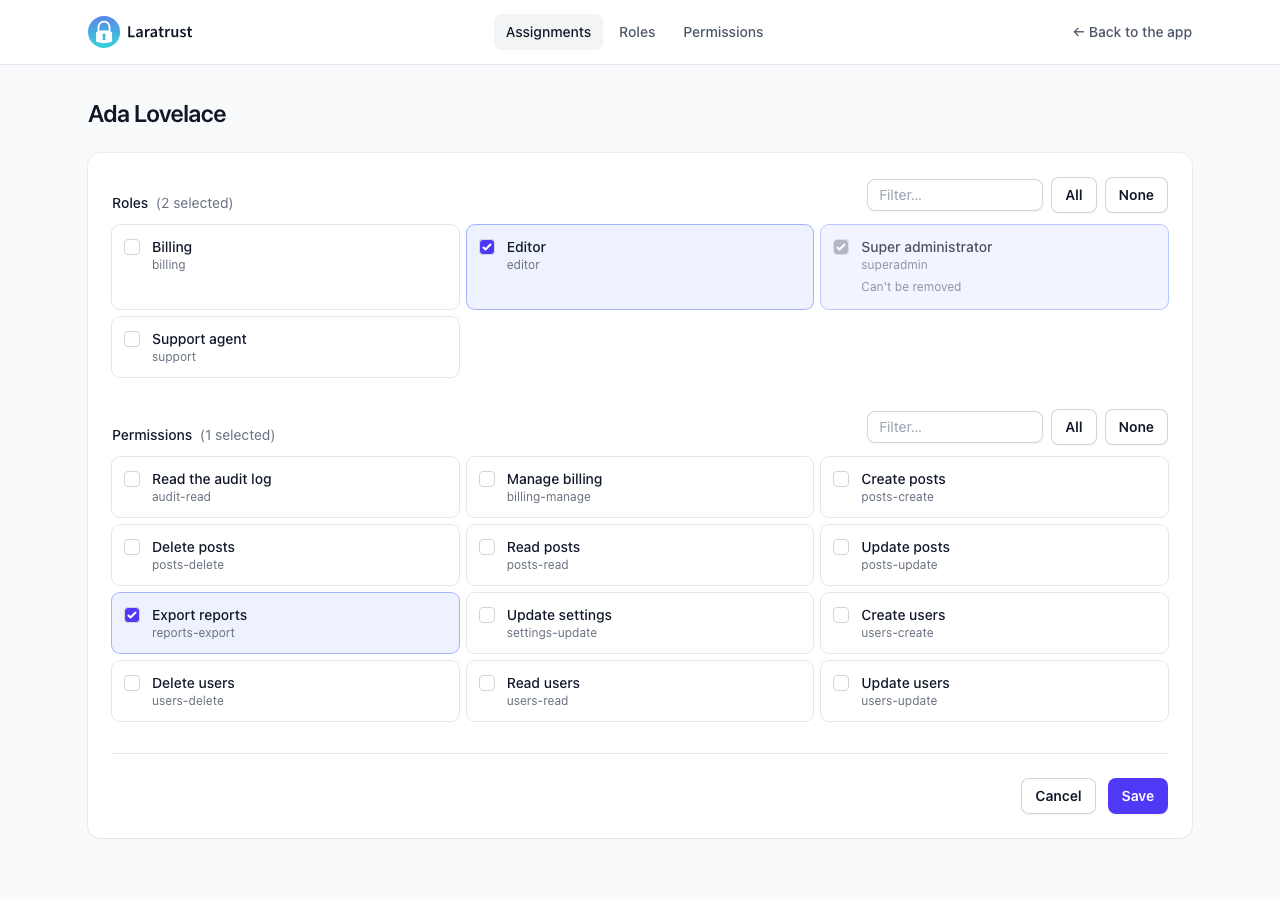
Laratrust comes with a simple administration panel for roles, permissions and their assignment to the users.
Currently it supports:
- Permissions CRUD.
- Roles CRUD and permissions assignment.
- Assignment of roles and permission to the multiple users defined in
user_modelsin theconfig/laratrust.phpfile, within each team when teams are enabled. - Restricting roles from being edited, deleted or removed.
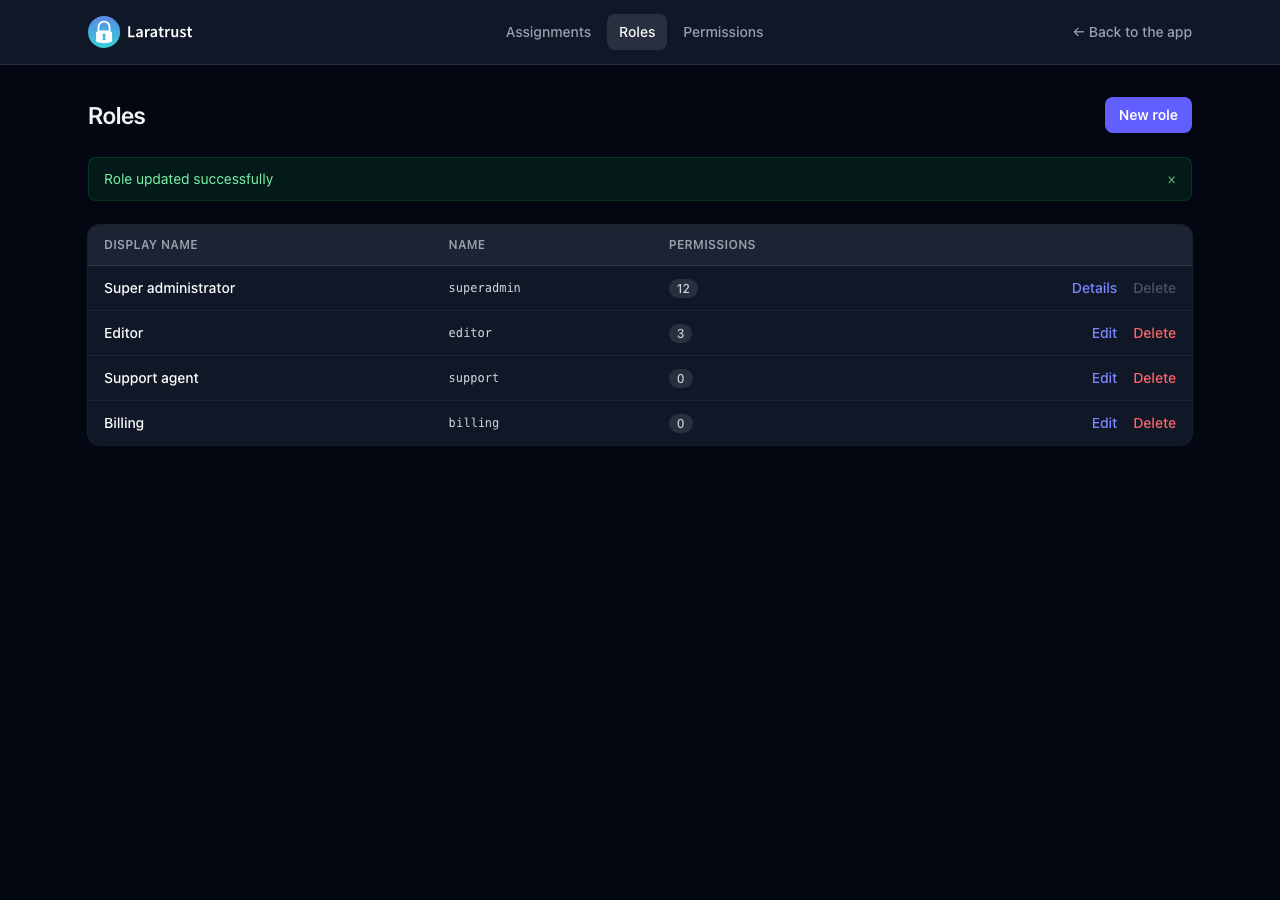
It follows your system's light or dark mode, and it works on small screens.
# How to use it
Go to your config/laratrust.php file and change the panel.register value to true. There is nothing to publish: the panel includes its styles and scripts in its pages.
By default the URL to access the panel is /laratrust.
To customize the URL and other available settings in the panel please go to the panel section in the config/laratrust.php file.
# Authorization
The viewLaratrust gate decides who can open the panel. By default it only allows the local environment, so in production the panel answers with a 403 until you define the gate, e.g. in your AppServiceProvider:
use App\Models\User;
use Illuminate\Support\Facades\Gate;

public function boot(): void
{
    Gate::define('viewLaratrust', fn (User $user): bool => $user->hasRole('superadmin'));
}
The panel routes also use the panel.middleware middleware, which is ['web'] by default. Add auth there so the guests are sent to your login page instead of getting a 403: ['web', 'auth'].
# Options
panel.go_back_route: The URL of the "Back to the app" link.panel.assign_permissions_to_user: Whenfalse, the assignment page only shows the roles.panel.create_permissions: Whenfalse, the panel can't create permissions, and its create routes return a404. You can still edit the existing ones.panel.roles_restrictions: The names of the roles that can't be removed from the users (not_removable), edited (not_editable) or deleted (not_deletable). They are enforced when saving, not only hidden in the pages.
# Teams
When teams are enabled, the assignment page has a team selector. It shows and saves the roles and permissions assigned within the chosen team, or the ones assigned without a team. Saving one team never changes the assignments of the others.
# Content Security Policy
If your application uses a CSP nonce with Vite::useCspNonce(), the panel adds it to its <style> and <script> tags. The panel uses Alpine.js, which evaluates its expressions at runtime, so the policy must allow 'unsafe-eval' for the panel pages.
# How to customize the views
- Publish the blade views used by the panel by running:
php artisan vendor:publish --tag=laratrust-views --force
- Now you can change how the panel looks. The published files are located in
resources/views/vendor/laratrust/panel.
NOTE
The published views don't get the panel updates. After you upgrade Laratrust, compare them with the package views.
# Screenshots
Here are some screenshots of the admin panel.